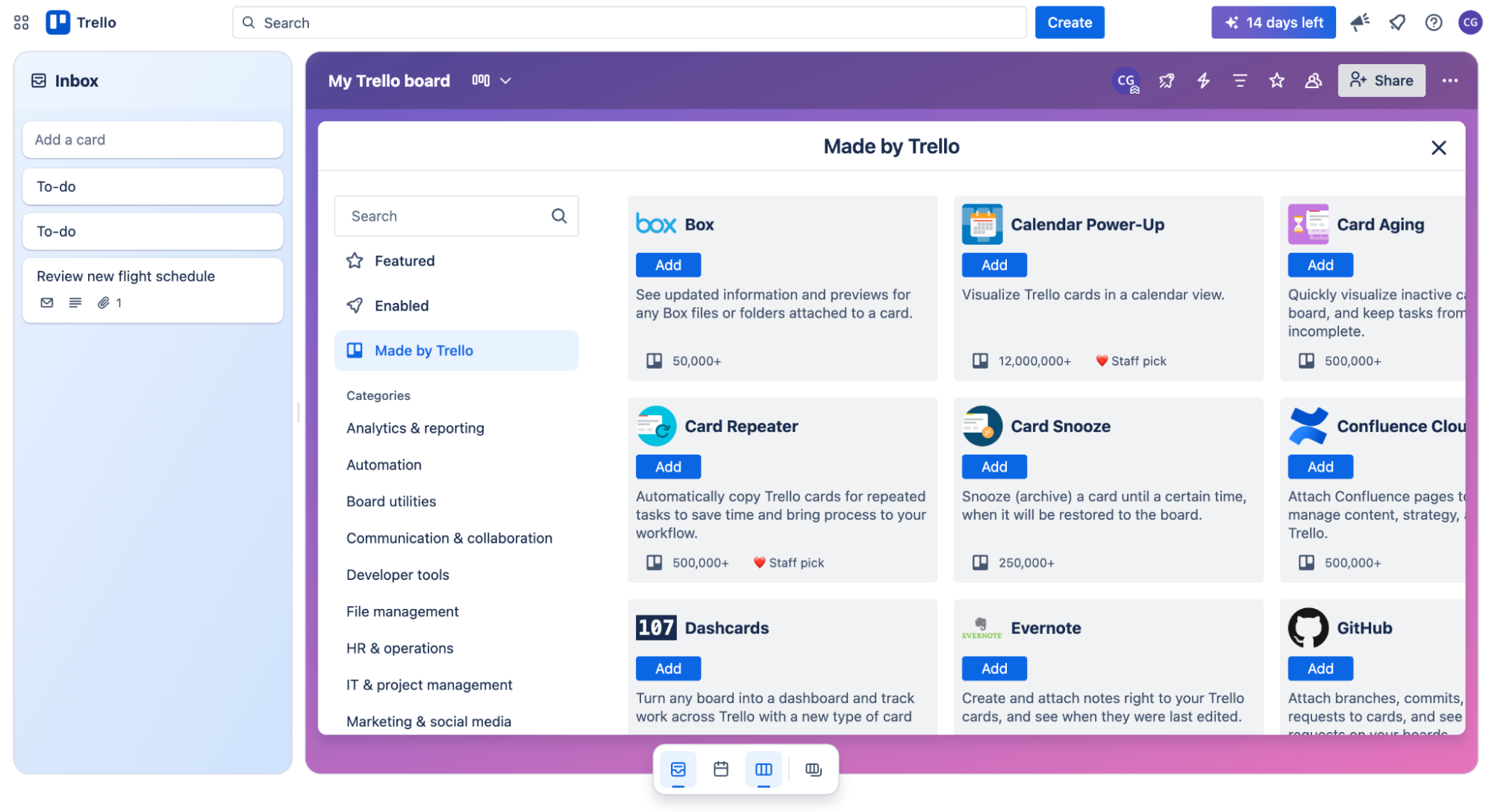
How to Automate Task Assignments: From Trello vs Asana Automations to Deadline Reminder Bots
Estimated reading time: 7 minutes
Key Takeaways
- Automation Eliminates Bottlenecks by distributing tasks based on rules, availability, and skills.
- Trello vs Asana offer distinct workflows: Trello is intuitive; Asana is highly customizable.
- Kanban Automations streamline board updates and workload balancing.
- Reminder Bots prevent missed deadlines with proactive alerts.
Table of Contents
- Why Automating Task Assignments Matters
- Trello vs Asana Automations: Feature Comparison
- Building a Project Template Workflow
- Kanban Board Automation Best Practices
- Implementing Deadline Reminder Bots
- Putting It All Together: End-to-End Workflow Example
- Measuring Success & Continuous Improvement
- Next Steps
Why Automating Task Assignments Matters
Manual task assignment creates several critical pain points that can slow down project progress and team productivity. Common challenges include workflow bottlenecks, frequently missed deadlines, and uneven workload distribution across team members.
Key benefits of automation include:
- Consistency: Rule-based assignments eliminate human bias
- Scalability: Handle complex projects without increasing management overhead
- Transparency: Maintain clear ownership and status visibility
In agile environments, task assignment automation serves as a cornerstone of broader workflow optimization. When integrated properly, it enables teams to maintain speed and agility even as projects grow in scope and complexity.
[Source]
Trello vs Asana Automations: Feature Comparison
Trello’s Automation Features
- Butler rules for custom automation sequences
- Card buttons for instant actions
- Calendar-based triggers
Asana’s Automation Features
- Rules engine for complex workflows
- Custom fields for granular control
- Extensive third-party integrations
Platform Comparison:
- Setup Experience: Trello offers a visual interface, intuitive for beginners; Asana is more complex but offers greater customization.
- Flexibility: Trello excels at quick automations; Asana handles complex conditional workflows.
- Pricing Structure: Both platforms include limited automations on free plans; premium tiers unlock advanced capabilities.
Building a Project Template Workflow
A project template workflow is a reusable framework containing predefined tasks, stages, roles, and automation rules for recurring projects. This approach ensures consistency and reduces setup time for new initiatives.
Step-by-Step Template Creation:
- Task Mapping: List all common project tasks, define stages, identify dependencies
- Role Assignment: Define responsibilities, set up approval workflows, establish escalation paths
- Automation Setup: Configure assignment rules, status transitions, notification triggers
- Pilot Testing: Run a small test, gather feedback, refine rules
For more details on templates, see
[Source]
Kanban Board Automation Best Practices
Effective Kanban board automation streamlines workflow visualization and task progression. Automated triggers help maintain board accuracy and reduce manual updates.
Key Automation Areas:
- Card Movement: Auto-progress cards, update status, track time in each stage
- Workload Management: Balance assignments, flag overloads, highlight blocked tasks
- Performance Metrics: Calculate lead time, track cycle times, identify bottlenecks
Learn more at
[Source]
Implementing Deadline Reminder Bots
Deadline reminder bots help prevent task delays by alerting team members about upcoming due dates and required actions.
Implementation Options
- Native features: Trello Butler reminders, Asana due date notifications, PM tool alerts
- Integrations: Slack notifications, Microsoft Teams reminders, Email alerts
For integration details, see
[Source]
Putting It All Together: End-to-End Workflow Example
- Template Deployment: Create structure, assign roles, set rules
- Kanban Management: Configure transitions, balance workload, track metrics
- Deadline Management: Set milestone reminders, configure alerts, enable escalations
- Project Completion: Automate reporting, archive tasks, generate metrics
Workflow example inspired by
[Source]
Measuring Success & Continuous Improvement
Track these key metrics to evaluate your automation effectiveness:
- On-time completion rate
- Assignment response time
- Overdue task frequency
For measurement guidelines, refer to
[Source]
Next Steps
- Audit your current task assignment process
- Choose one automation strategy to implement
- Monitor results and gather feedback
- Expand automation across more workflows
Frequently Asked Questions
What is task assignment automation?
Task assignment automation uses predefined rules and criteria to distribute tasks to team members automatically, reducing manual effort and ensuring balanced workloads.
Should I use Trello or Asana for complex workflows?
Trello is great for straightforward automations, while Asana’s robust rules engine better supports complex, conditional workflows.
How do I set up deadline reminder bots?
Use native features like Trello Butler or Asana notifications, or integrate with Slack and Teams to send automated alerts based on due dates.
Can I combine multiple automation strategies?
Yes. Integrating project templates, Kanban automations, and reminder bots creates a comprehensive end-to-end workflow that maximizes efficiency.